
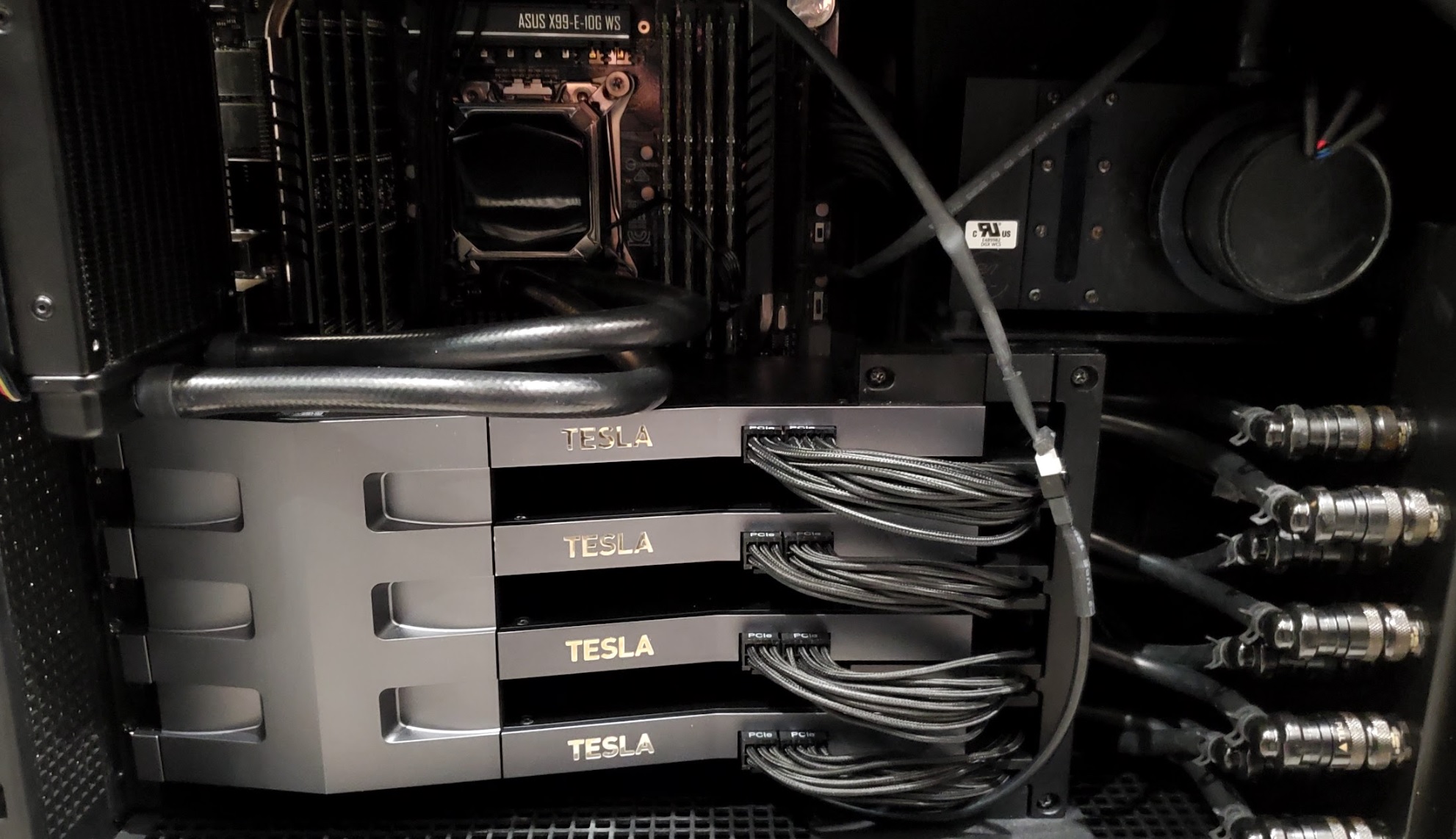
We recently had an incredible experience setting up a powerhouse machine, the NVIDIA DGX Station. This rig is by far one of the most powerful systems we as a team ever worked with.
Our CIO and IT specialists had a good time navigating the BIOS reset and hardware configuration challenges to get Ubuntu 22.04.5 up and running seamlessly.
It was also a great experience collaborating with the rest of our team and our chief data scientist, whose deep expertise in NVIDIA systems and LLMs ensured that the system was fully optimized for the top-secret projects we are working on.
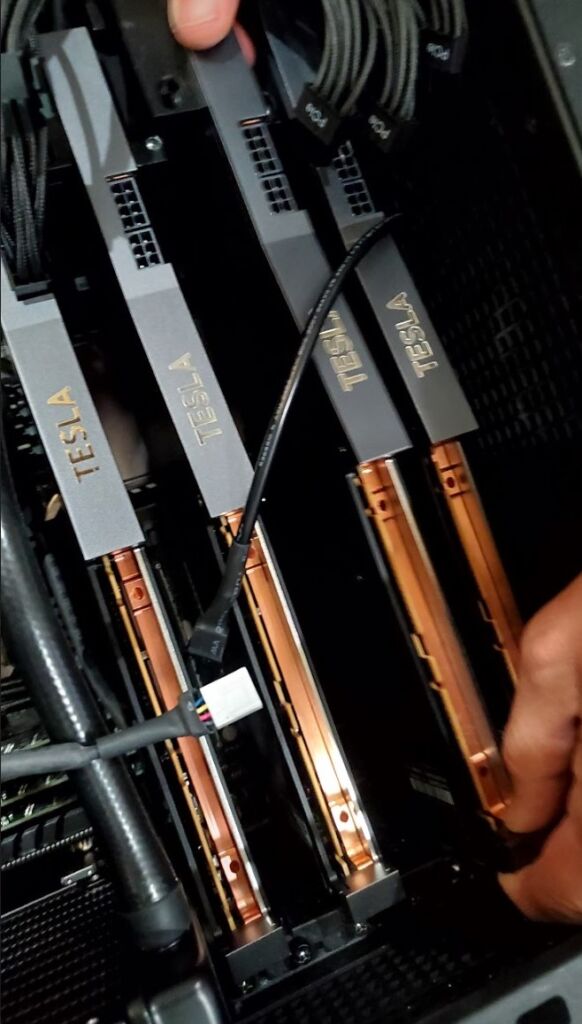
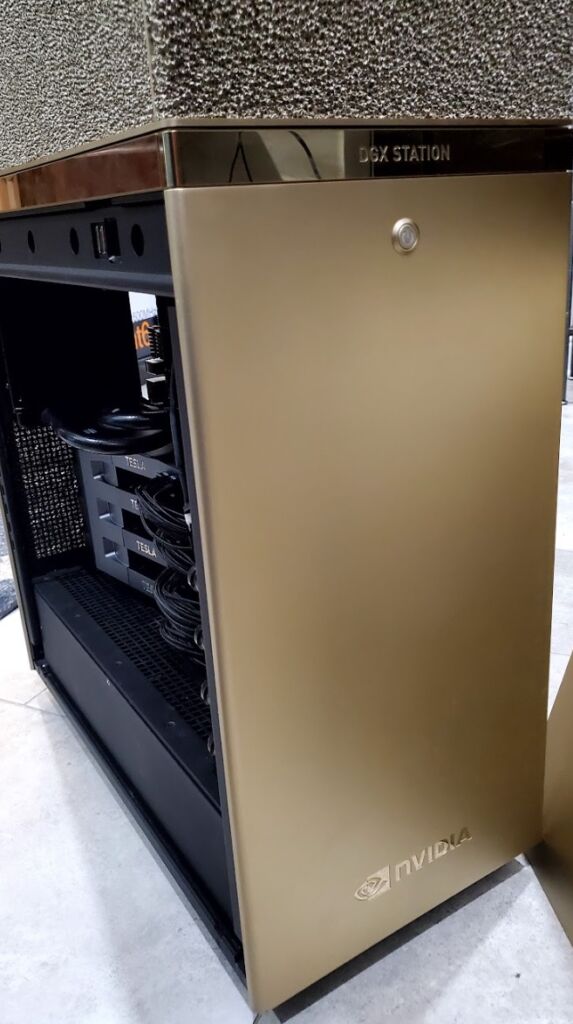
NVIDIA DGX Station specs:
4× NVIDIA A100 80GB GPUs
– Ampere architecture, SXM4 form factor
– 320 GB total HBM2e memory
– ~8 TB/s aggregate GPU memory bandwidth
600 GB/s total NVLink bandwidth
– NVLink 3.0, each A100 has 2 links at 300 GB/s
– Direct high-bandwidth, low-latency interconnect between GPUs
64-core AMD EPYC 7742 CPU @ 2.25GHz
– Zen 2 architecture, 128 threads
– PCIe Gen4 support for fast I/O
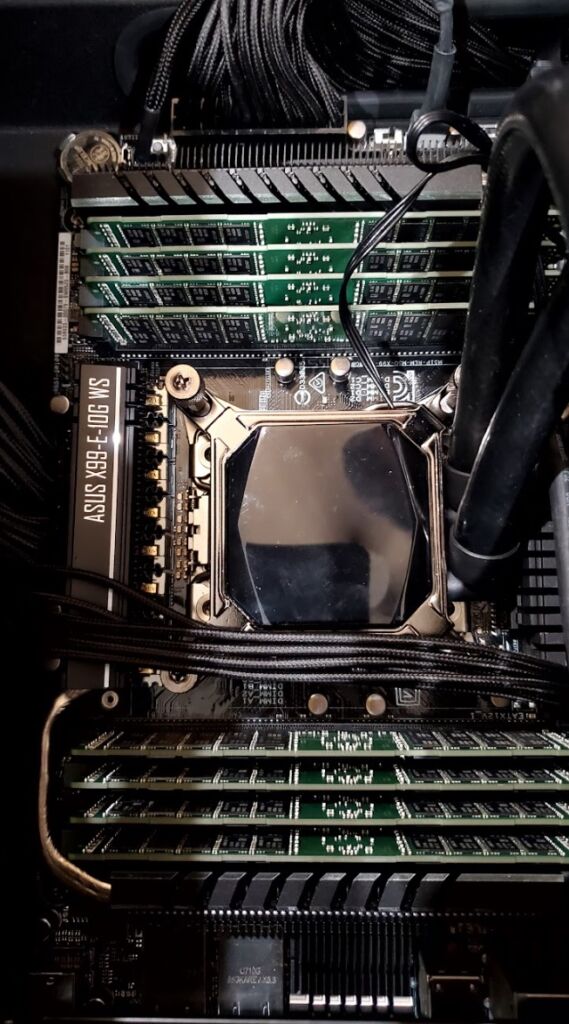
1 TB DDR4 ECC System RAM
– Registered ECC, high-capacity for large dataset handling
– Fully populated 16-DIMM configuration
Maxed Storage
– 2× 1.92 TB NVMe SSDs (RAID-configurable for OS/data separation)
– 2× 3.84 TB NVMe SSDs (optional upgrade for local dataset caching)
→ Up to 11.5 TB NVMe storage total
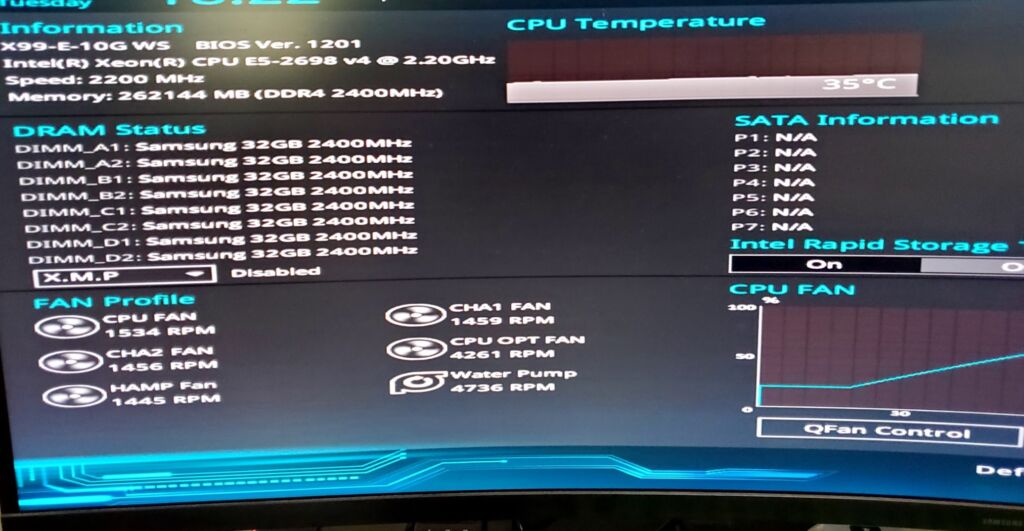
Brand New Bios Configuration
More cool facts:
28,000+ CUDA cores
LLM cold-starts in under 200 ms
Multi-agent fine-tuned pipelines running locally, without API limits.